
The firewall OS. With you in control.
Enwigate AI runs your network, and asks before anything risky.
Early access · standard x86 hardware
A firewall OS with a built-in AI administrator.
Real routing, a stateful firewall, and WireGuard VPN on standard x86 hardware, configured through conversation.
The core OS is free. The AI administrator is the only paid layer.
One dashboard
Every office, one screen.
See every office in one place, from the router itself or from Enwigate Cloud. The screens here are illustrations with sample numbers.
Internet, devices, threats and traffic for one office, on one screen.
Illustrative screen
Enterprise core · 100% free
Real networking, no licence required.
Stateful nftables firewall
Real Linux packet filtering, not a thin GUI wrapper. Every connection tracked, every rule auditable.
WireGuard VPN mesh
Config changes sync via an in-kernel diff (wg syncconf), so peers update without restarting the tunnel.
Multi-WAN failover
Two internet connections, one gateway. Detects a dead primary and switches in seconds, over PPPoE, DHCP, or static.
Suricata IDS/IPS
Real intrusion detection and prevention on your traffic, not a marketing checkbox. Inspect or actively block.
Inside Enwigate OS
A real router OS underneath, not a wrapper.
One dashboard, four things it manages.
The same tools a network engineer would configure by hand.
Enwigate OS runs on real Linux networking: an nftables firewall, Suricata IDS/IPS and WireGuard VPN. Group devices into zones and decide exactly what each can reach.
- Zone-based firewall (nftables)
- Intrusion detection & prevention
- Dual-WAN failover
The AI never touches Linux.
It only ever produces the same structured request a real click on the dashboard would, through one path, every time.
01
You ask, in plain English
No VLANs, no CIDR, no chains. Just describe what's wrong or what you want.
02
It's validated
The request becomes a structured change, checked against your network before anything runs.
03
You see the exact change
A plain-English preview of what will happen, every time, no exceptions.
04
You approve it
Low-risk changes can auto-apply. Anything touching WAN, VPN, or firewall zones waits for you.
05
It executes, and it's logged
Every change is reversible and lands in an audit trail: who, what, when.
By design
The AI can't do everything. That's the point.
Some things are reachable by a real click on the dashboard, never by a model deciding on its own.
Can apply on its own
Low blast radius, easy to reverse
- Content & category blocking
- Device-level policy
- IP / country blocking
- Safe Search enforcement
- DHCP reservations
- IDS in detect-only mode
Always waits for you
High blast radius, or a one-time secret
- Rebooting the device
- Enrolling a new VPN user
- Enabling IDS prevent mode
- Changing the firewall Zone Matrix
- WAN, LAN, and NAT changes
Enwigate AI
Enwigate AI: your AI network administrator.
It does not just answer questions. It makes the changes, inside guardrails: low-risk ones apply on their own, risky ones wait for your approval, and every change is logged and can be rolled back.
It makes the change
Say what you want. It does it.
Block a country, reserve an address, add a guest network, cap a device. Low-risk changes apply on their own. Anything that could cut you off waits for your approval, after an automatic backup.
Enwigate AI · sample conversation
It finds the cause and fixes it
“Why is the internet down?” has a real answer, and a fix.
It checks the link, the gateway, DNS and what changed recently, explains the cause in plain language, and can undo the change that caused it. Every change is logged and reversible.
Diagnostic engine · sample data
The connection is fine, but names stopped resolving after that DNS change. I can put the previous settings back.
It spots what is missing
It tells you what to turn on next.
Rule-based suggestions from your actual security posture, not a generic checklist. Every “Fix it” button is a real, deliberate change, never something the model decided on its own.
Protection score · sample
68 / 100Weekly report
A Monday-morning summary, without asking.
Uptime, devices, security events, and your protection score, delivered to email, Slack, or Teams on a schedule, so nobody has to remember to check.
Weekly report · Mon 9:00 AM · sample
99.9%
Uptime
34
Devices
2
Security events
Sent straight to your inbox, or Slack, or Teams. No login required to read it.
The platform
A real router OS underneath. Free, forever.
The core OS is free, with no time limit. The AI is the only thing that's paid.
- WAN, LAN, DHCP, NATNetworking
- Dual-WAN failover & load balancingNetworking
- VLANs & guest WiFi portalNetworking
- Bandwidth control / QoSNetworking
- Zone-based firewallSecurity
- IDS / IPS (Suricata)Security
- Content & category filteringSecurity
- Threat intelligence feedSecurity
- Device discovery & inventoryVisibility
- Per-device bandwidthVisibility
- Security events & audit logVisibility
- Live WAN healthVisibility
- WireGuard VPNRemote access
- Dynamic DNSRemote access
- Config backup & restoreRemote access
- Over-the-air updatesRemote access
Software, not hardware
We build the OS. You bring the box.
Enwigate OS isn't a device we ship. It's software you install. No proprietary hardware, no vendor lock-in. It runs on a standard x86 mini PC or hardware you already own.
Install options
Learn
Latest from our blog
Practical guides and insights on modern network management.
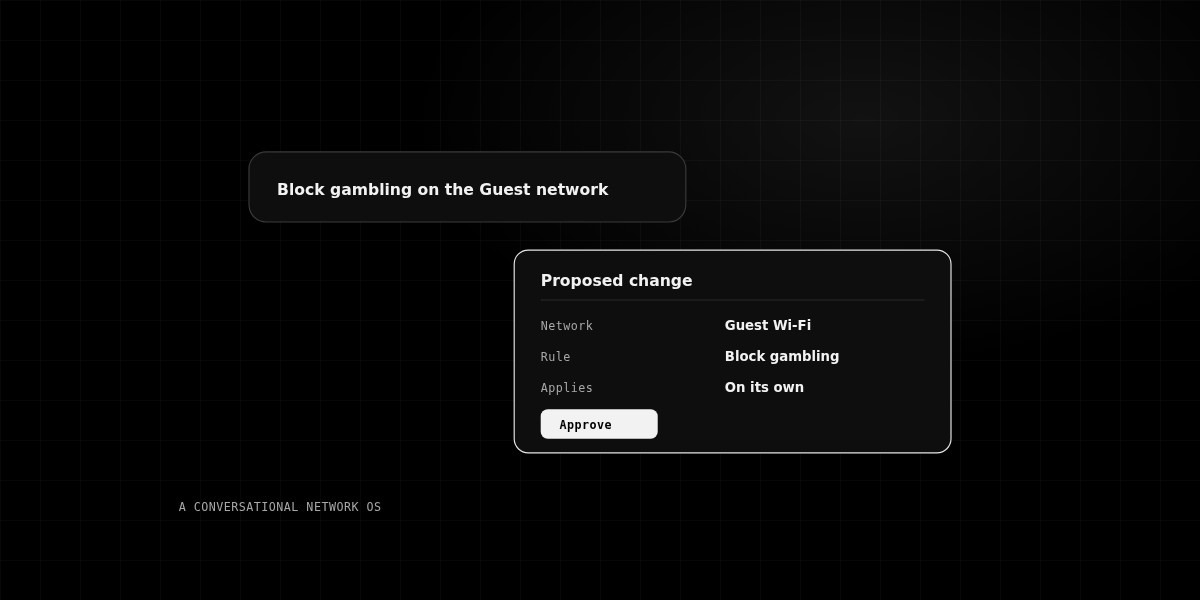
Network Operations
What Is a Conversational Network Operating System?
How talking to your network is replacing traditional configuration screens.
Read article →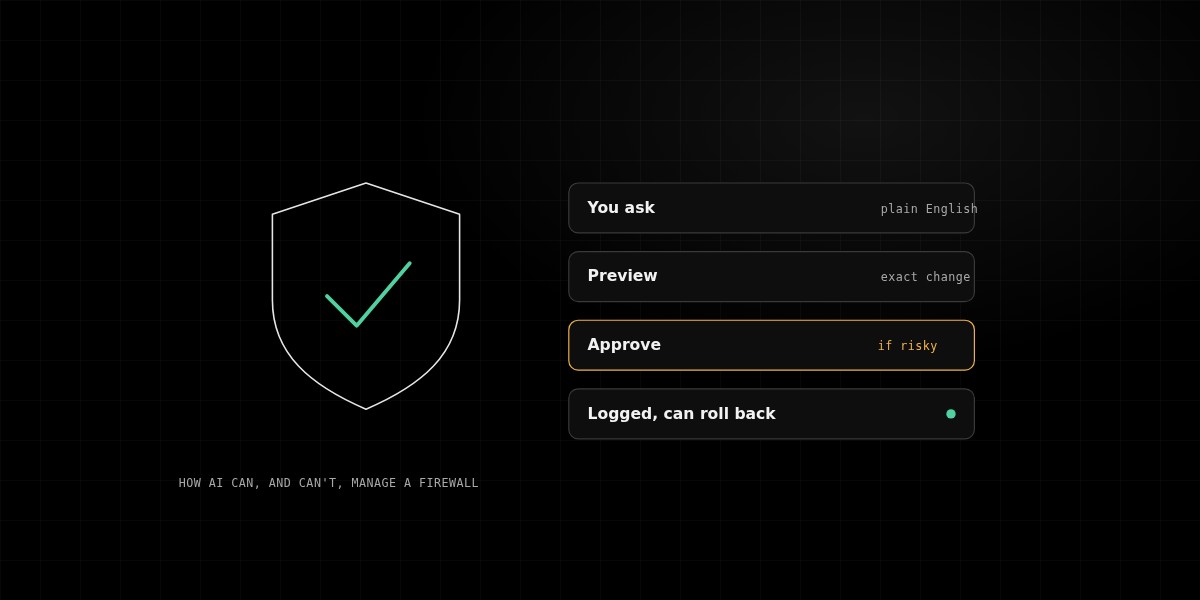
Security & Operations
How AI Can (and Can't) Safely Manage Your Firewall
Why guardrails matter when automation touches your network.
Read article →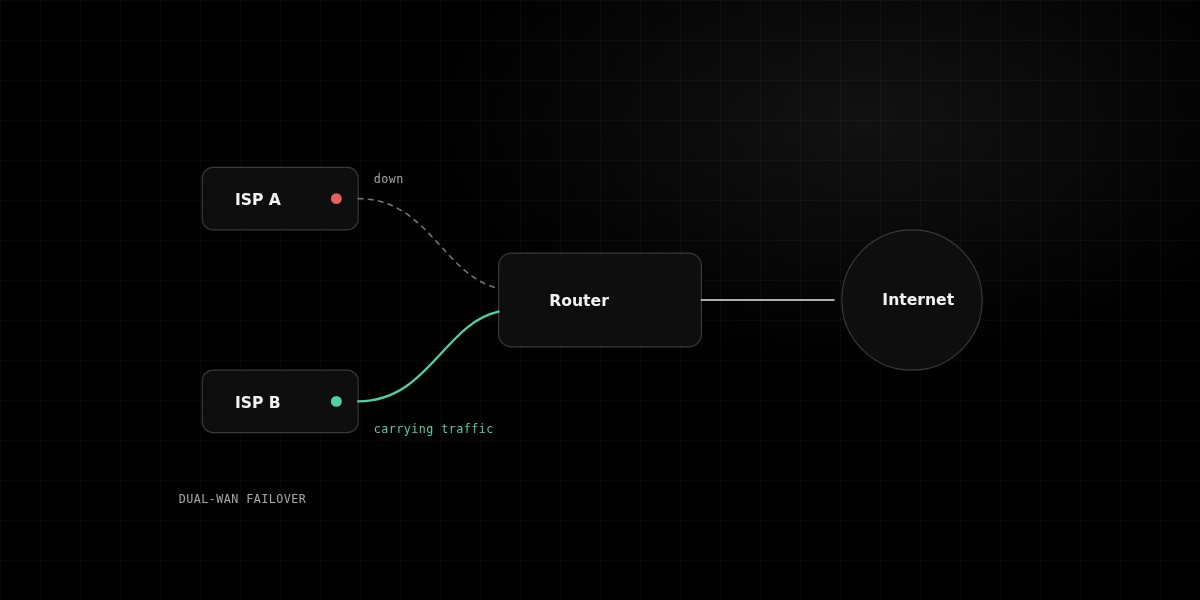
Network Operations
Dual-WAN Failover Explained
How automatic failover keeps your office online when an ISP fails.
Read article →Pricing
Enwigate is free. The AI is pay-as-you-use.
You add prepaid credit, and it is used up as the AI works. There is no monthly plan. Questions? Write to [email protected] or send the form.